Bitkey Security
Security principles
Bitkey takes a multi-layered approach to security—one that aims to eliminate single points of failure, and makes it easy for both technical and nontechnical users to take the right steps to safeguard their bitcoin. We understand that accidents happen and people make mistakes, and we don’t believe that either should result in losing your bitcoin forever. We prioritize building in the open, our app is open source, and we invite candid feedback and scrutiny from the broader bitcoin community.At the core of Bitkey’s security approach is the 2-of-3 multisig setup. Where an attacker need only gain access to a seed phrase or compromise a single key in singlesig self custody setups, Bitkey’s multisig means no single key has the power to move your funds on its own—a fact that raises both the cost and technical bar for successful attacks compared to simply seeing a seed phrase.
Block’s bitcoin security track recordBitkey is built by the team at Block, Inc., the company behind Square and Cash App. Block has a long-standing track record in securing bitcoin. In 2020, we open-sourced Subzero, our HSM-based custodial solution, and have since used it to safeguard both Cash App customer balances and Block's own bitcoin treasury.Bitkey's customer server keys reside in an AWS Nitro Enclave—Amazon’s hardware-isolated, secure execution environment that provides security guarantees for some of the most critical applications in the world. Any code deployed to this enclave requires approval from multiple engineers in our dedicated deployer group and must be authorized with hardware-token authentication.
Hardware key security
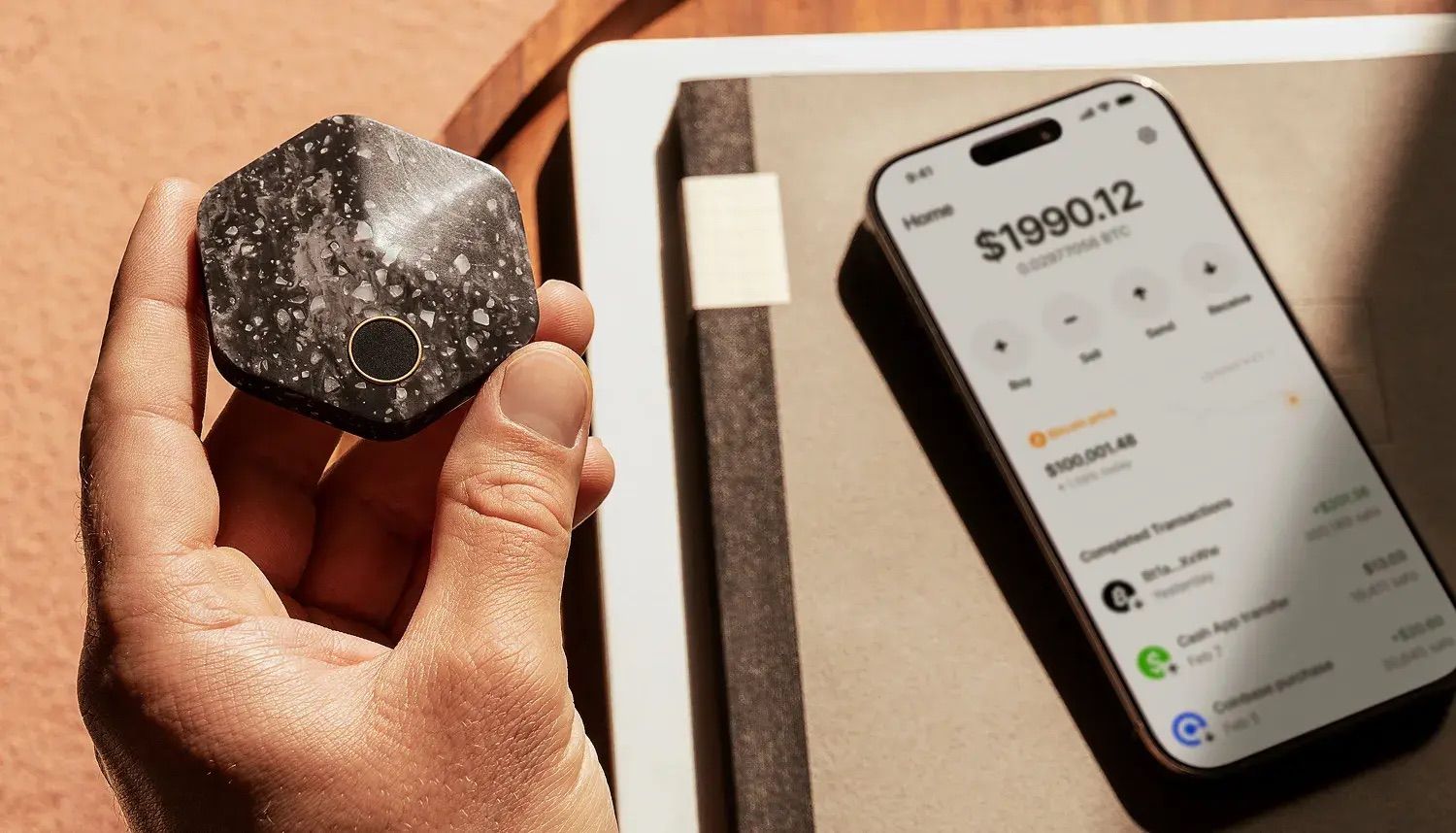
Bitkey’s hardware key is the first of the two keys under your primary control. You use it to co-sign payments over a Transfer without hardware limit that you set, approve changes to your mobile limit, authorize app key recovery if something happens to your phone, and authorize changes to your Recovery Contacts and other security settings.It is generated and stored completely offline, protected by Bitkey’s secure enclave and requires your fingerprint to authenticate, making your hardware useless in the hands of someone who isn’t you. An important distinction to make between single-sig hardware wallets and Bitkey is that direct breach of a single-sig wallet is possible if the attacker has the right information (passphrase, PIN, etc.). Put differently: if an attacker has your PIN (from your will, or somewhere else you may have recorded it) and physical access to your wallet, they can move your funds. The same cannot be said of Bitkey. Even if someone has your Bitkey hardware, they can’t unlock your hardware without your biometrics. And even if they could, they still couldn’t move your funds without compromising a second key.
App key security
Bitkey’s app key is the second of the two keys in your physical possession. It exists both 1) in your mobile app, and 2) encrypted within your personal cloud account, for recovery scenarios that involve loss of your phone. Since it is stored in your personal cloud, Bitkey servers can never gain access to it, and since it is encrypted, it is useless to an attacker without your unlocked hardware. The app itself is the main interface with your wallet, where you can manage your money, set rules around security and spending, send, receive, and transfer bitcoin, or start a recovery process if you’ve lost your hardware. It cannot sign payments over the limit that you set without your hardware.
Server key security
The third key in Bitkey’s three key model is held for you on Bitkey servers. It is intended to 1) help recover your money if you lose your phone, your hardware, or both, and 2) co-sign payments together with your app key (up to the limit that you set) if you opt-in to Bitkey’s Transfer without hardware feature. Perhaps more important is what it can’t do: it can’t move money by itself, and it can’t authorize recovery attempts without your hardware or app key.Bitkey's customer server keys reside in an AWS Nitro Enclave—a hardware-isolated, secure execution environment. Any code deployed to this enclave requires approval from multiple engineers in our dedicated deployer group and must be authorized with hardware-token authentication.