How Bitkey works

Three keys protect your money

Bitkey is a 2-of-3 multi-signature wallet. That means there are three private keys protecting your money. One's on your phone, one in your hardware device, and one held for you on the Bitkey server.
You always need two out of three keys to sign a transaction, giving you extra protection. And because Bitkey only holds one key for you, and you hold two, Bitkey can’t move your money without you.

How your three keys work.

hiw-mobile-key

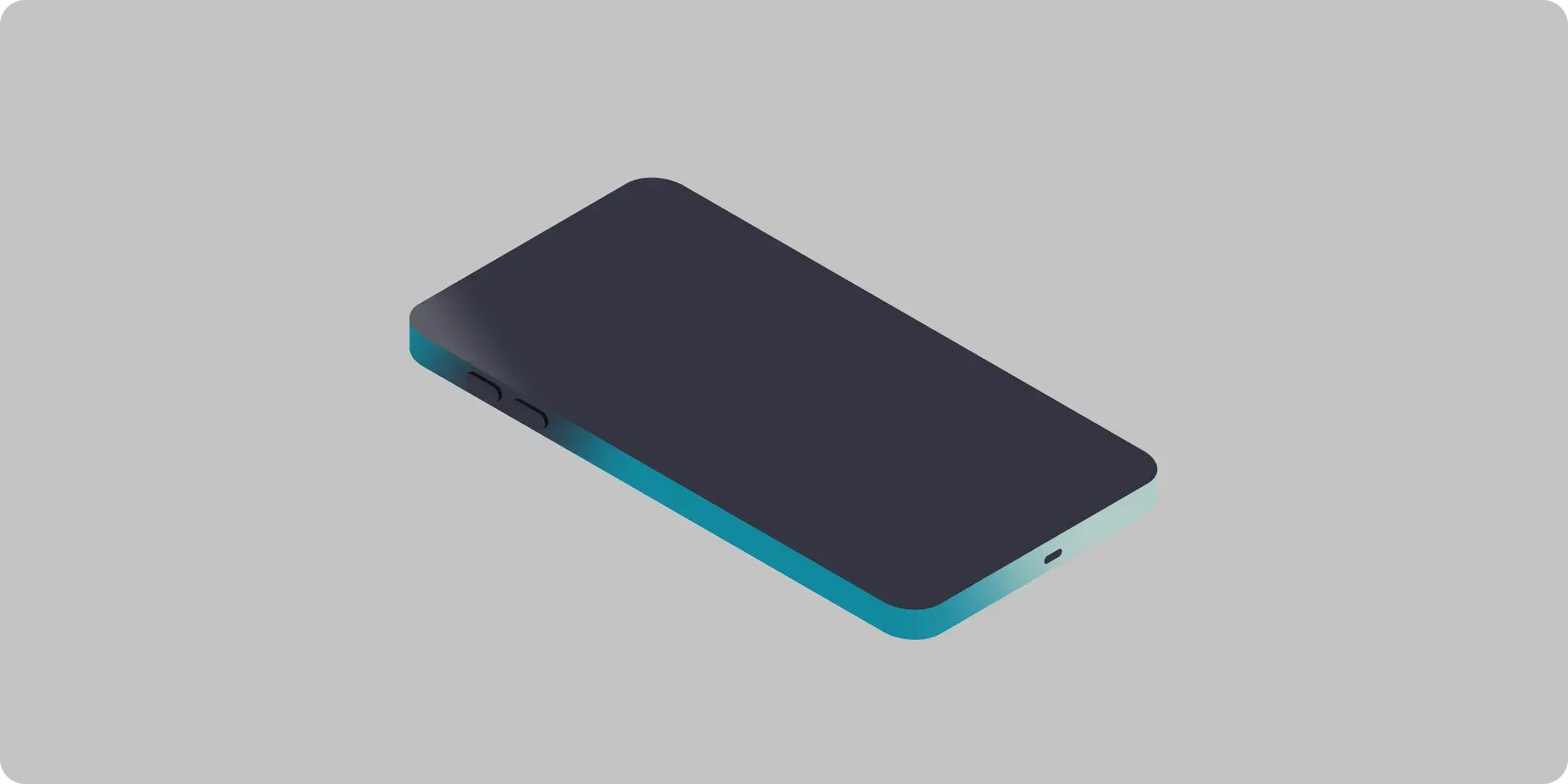
Mobile key

Icon

Initiates and signs payments up to the mobile limit you set

Icon

Encrypted backup key stored on your cloud in case you lose your phone

Icon

Cannot sign payments over your personalized limit without your hardware

hiw-hardware-key

Hardware key

Icon

Co-signs payments over the mobile limit you set

Icon

Approves changes to your mobile limit

Icon

Authorizes your app key recovery

Icon

Authorizes changes to your Recovery Contacts and security settings
hiw-server-key

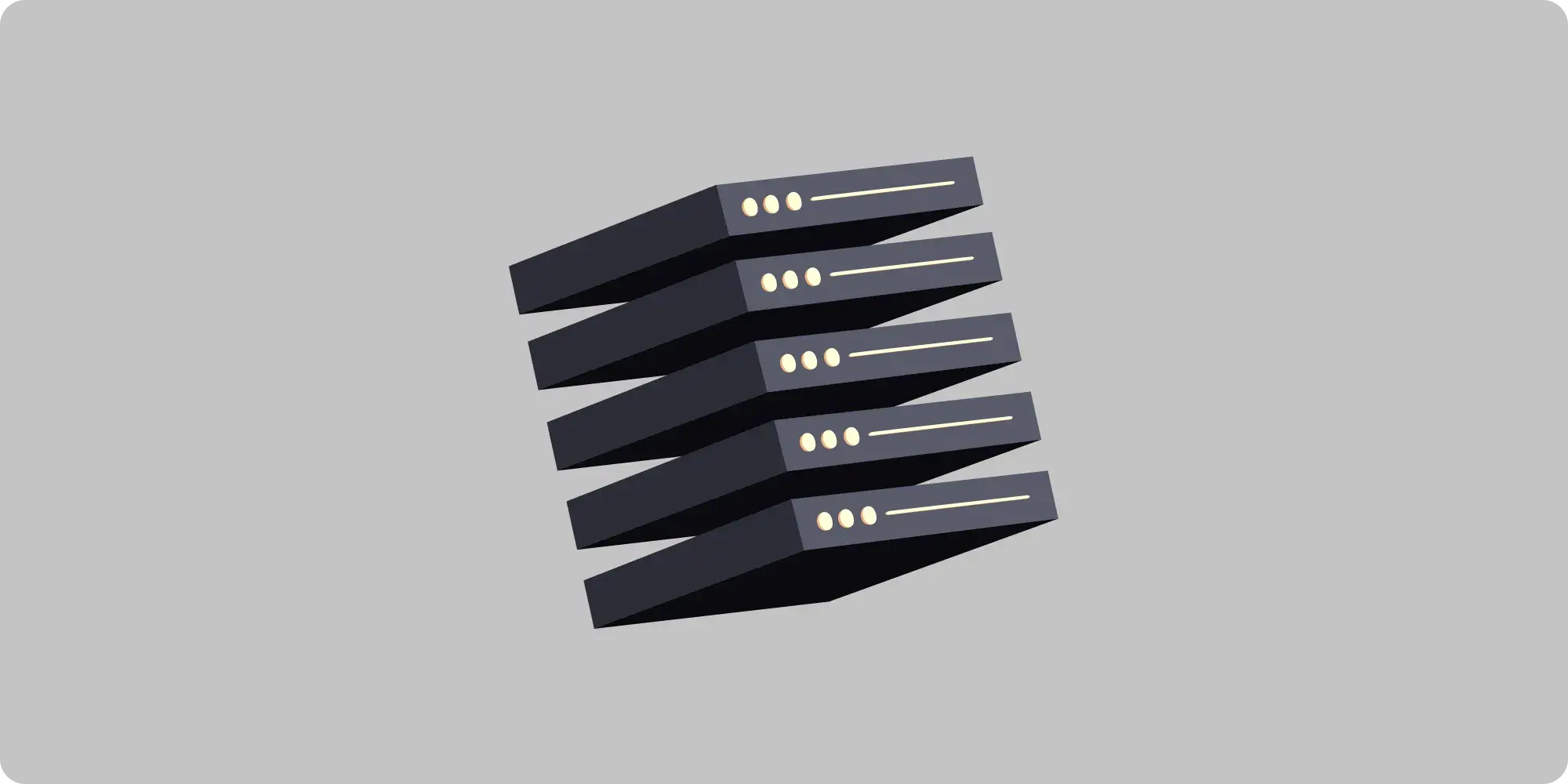
Server key

Icon

Initiates and signs payments up to the mobile limit you set

Icon

Helps recover your money if you lose your phone or hardware, or both

Icon

Cannot sign payments over your personalized limit without your hardware

Icon

Cannot authorize recovery attempts without your hardware key or app key

How your hardware works

Image of Bitkey hardware on gradient background

Protect savings at home
Your Bitkey hardware works with your mobile app to protect your savings. To access the money protected by your hardware, unlock it with your fingerprint, and tap it with your phone. It connects to your phone via NFC, so you never have to risk plugging it into a computer.
Your keys work together
Your hardware key and mobile key work together to co-sign transactions, or to change your security settings or spending limits. So you can go out and about, knowing that even if someone has your hardware, they can’t access your money.

How your app works

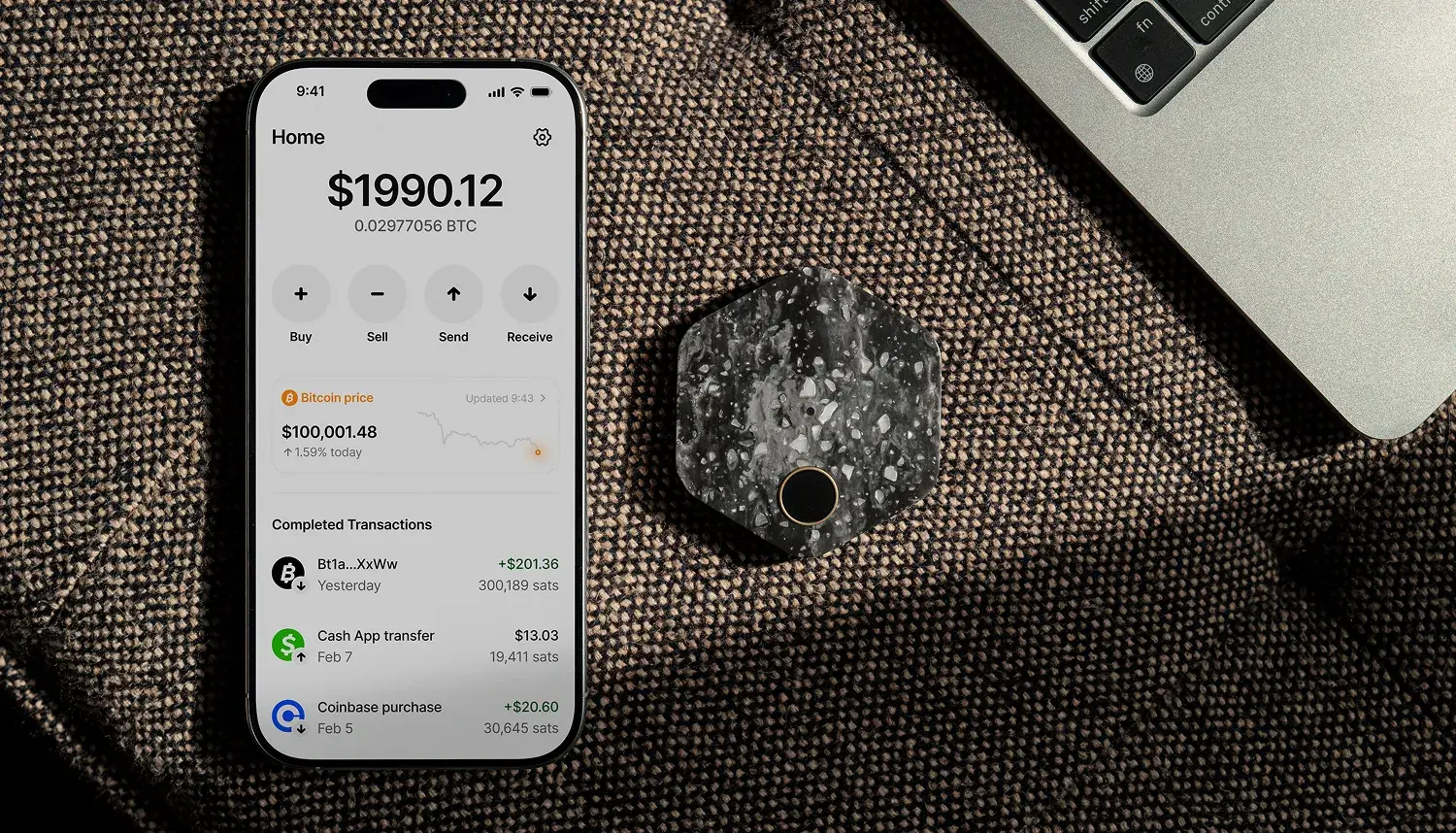
A smart phone showing the Bitkey app with current balance, live bitcoin price, and transfer history

The home to manage your money
Your Bitkey app is for managing your money with your hardware, and setting rules around security and spending. Use the app to send, receive, and transfer bitcoin, change your security settings, or start a recovery process.
Safe spending on the go
For added protection, you can set an optional daily spending limit on your phone. Your mobile key works with the server key to co-sign transactions up to your daily limit, so you can spend safely on the go, knowing even if someone can access your phone they can’t access all your money.

Lost Phone

A man holding a phone and Bitkey device next to each other

Replace your phone
If your phone gets lost, stolen or damaged, download the Bitkey app onto a new phone, and sign in to your cloud account via Google Drive or iCloud.
Authorize recovery with hardware
Once you’re signed in to your cloud account, unlock your hardware and tap to your phone to unlock the encrypted mobile key backup and recover your wallet on your new phone.

Lost Hardware

A smiling woman holding a phone and bitkey next to each other

Follow recovery steps in the app
If your hardware device gets lost, stolen, or damaged, tap a button in the app to start the recovery process. This triggers a 7-day security waiting period, and you'll receive security notifications via SMS or email to confirm you’ve requested hardware recovery.
Transfer to your new hardware key
Once the security waiting period is over, set up a new Bitkey hardware device, pair it with your phone, and transfer your wallet balance to your new keys. Or you can speed up the process using your trusted contacts.

Lost Phone & Hardware

An older man with glasses sitting and using his smart phone.

Set up your trusted contacts
When you set up your Bitkey for the first time, you can set up ‘trusted contacts’ in the app. Your trusted contacts download the Bitkey app and agree to help you access your money if you lose your wallet.
Send a code to your contacts
If you lose your phone and hardware, you can download the Bitkey app on a new phone and share a code to your trusted contacts to verify you. Once you’re verified, you can recover your mobile key from the cloud, and complete the process to replace your hardware device.

Move your money any time

A stylish man smiling and looking down at his smart phone.

Manage your bitcoin on your terms
Even in the unlikely event you’re no longer able to access the Bitkey app, you can safely withdraw your money to another wallet of your choice

Bitkey is built by the team at Block, Inc.

Placeholder

Millions of customers worldwide

Experience building for millions of customers around the world.

Placeholder

Security expertise

We have been building secure payments products for over 14 years.

Placeholder

Committed to open development

Bitkey is committed to transparency and sharing openly on our blog as we build.

Placeholder

Globally listed on NYSE

Block, Inc. (formerly known as Square, Inc.) is a global technology company listed on the New York Stock Exchange.